The KidsRadar blog

Plain answers on phones, apps and the things children say online, written for the parent who has to decide what to do next.

What we will write about

The first articles are being written. These are the topics they cover.
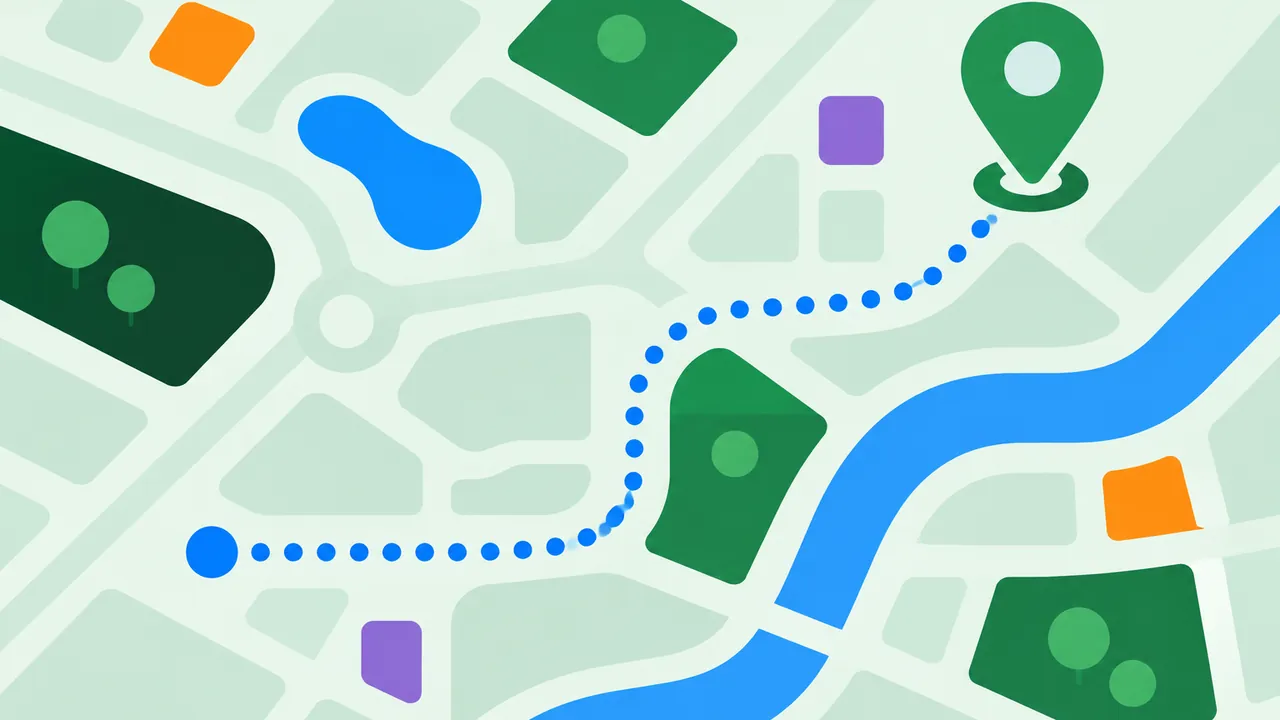
  • Abstract map with a route line leading to a green location pin
    Child location tracking How location sharing works on phones, what it can and cannot tell you, and how to use it with your child.
  • Abstract phone outline with toggle switches and a green shield
    Parental controls Setting up the controls built into phones, tablets, consoles and apps, step by step.
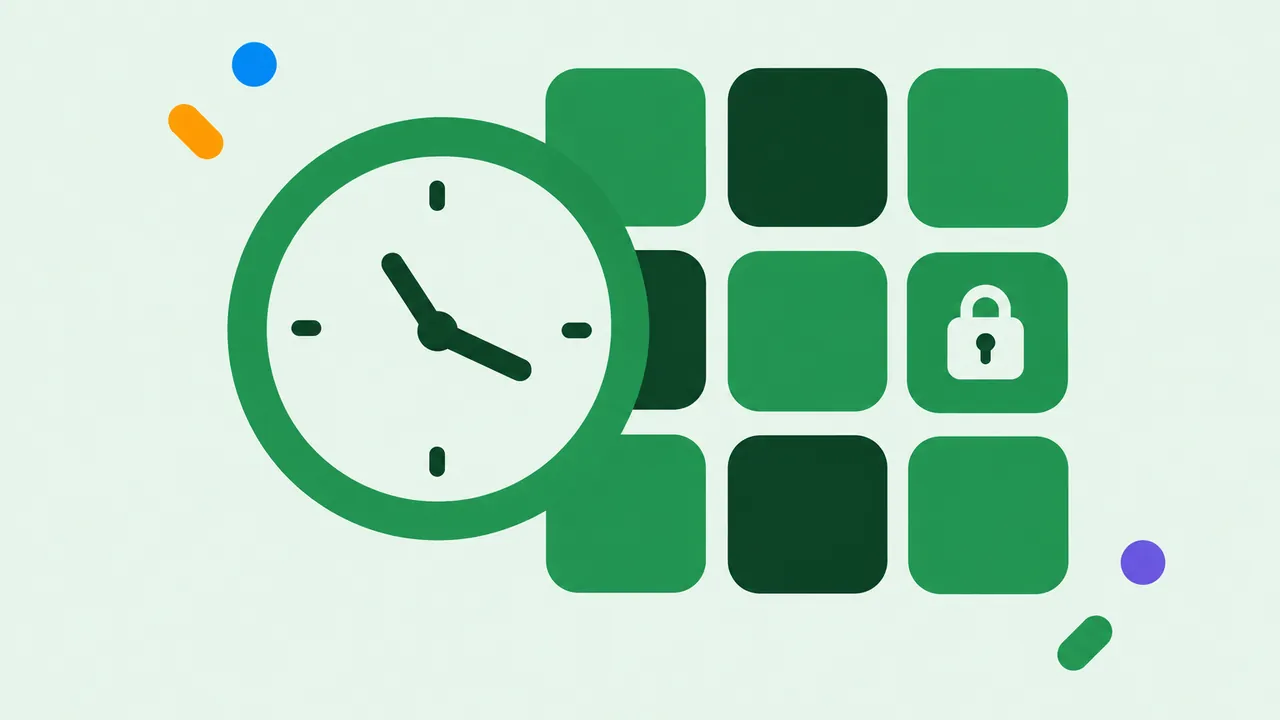
  • Abstract clock face overlapping rounded app tiles
    Screen time and app blocking Daily limits, app limits and blocking: what works at each age and how to set it up.
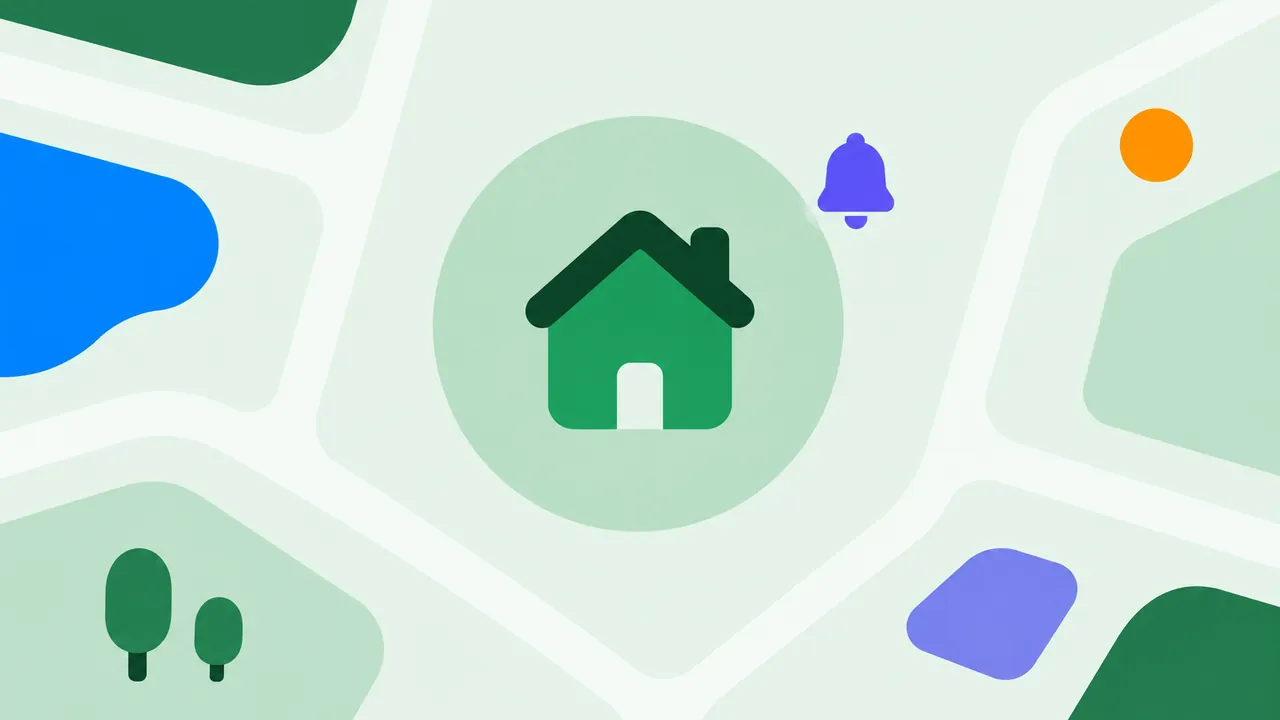
  • Abstract house shape inside a soft green circle on a map
    Safe zones and alerts Places, geofences and arrival alerts for home, school and everywhere in between.
  • Abstract small phone with a ribbon and simple rounded shapes
    A child's first phone When to give a phone, how to set it up, and the rules worth agreeing on first.
  • Abstract speech bubbles protected by a green shield
    Online safety for kids Cyberbullying, strangers and risky apps: what parents should know and what to do.
  • Abstract speech bubbles with simple symbols in green, blue and orange
    Slang and emoji decoded What the words, abbreviations and emoji on your child’s phone mean, and when to worry.

Know where your child is

Free to install. Premium offers a 7-day free trial.

Download on the App StoreGet it on Google Play